
Free appointment scheduling online: what to check first
Choose free online appointment scheduling without hidden surprises. Check permanent limits, emails, branding, calendar sync, and what IntoCal Free actually includes.
Short answer: The best free online appointment scheduling software gives you a permanent booking page, enough appointment types for your real workflow, clear availability controls, confirmation emails, and no expiry date. Check the limits before sharing the link. IntoCal Free includes one calendar, two appointment types, a public booking page, basic email notifications, and a website embed, with IntoCal branding.
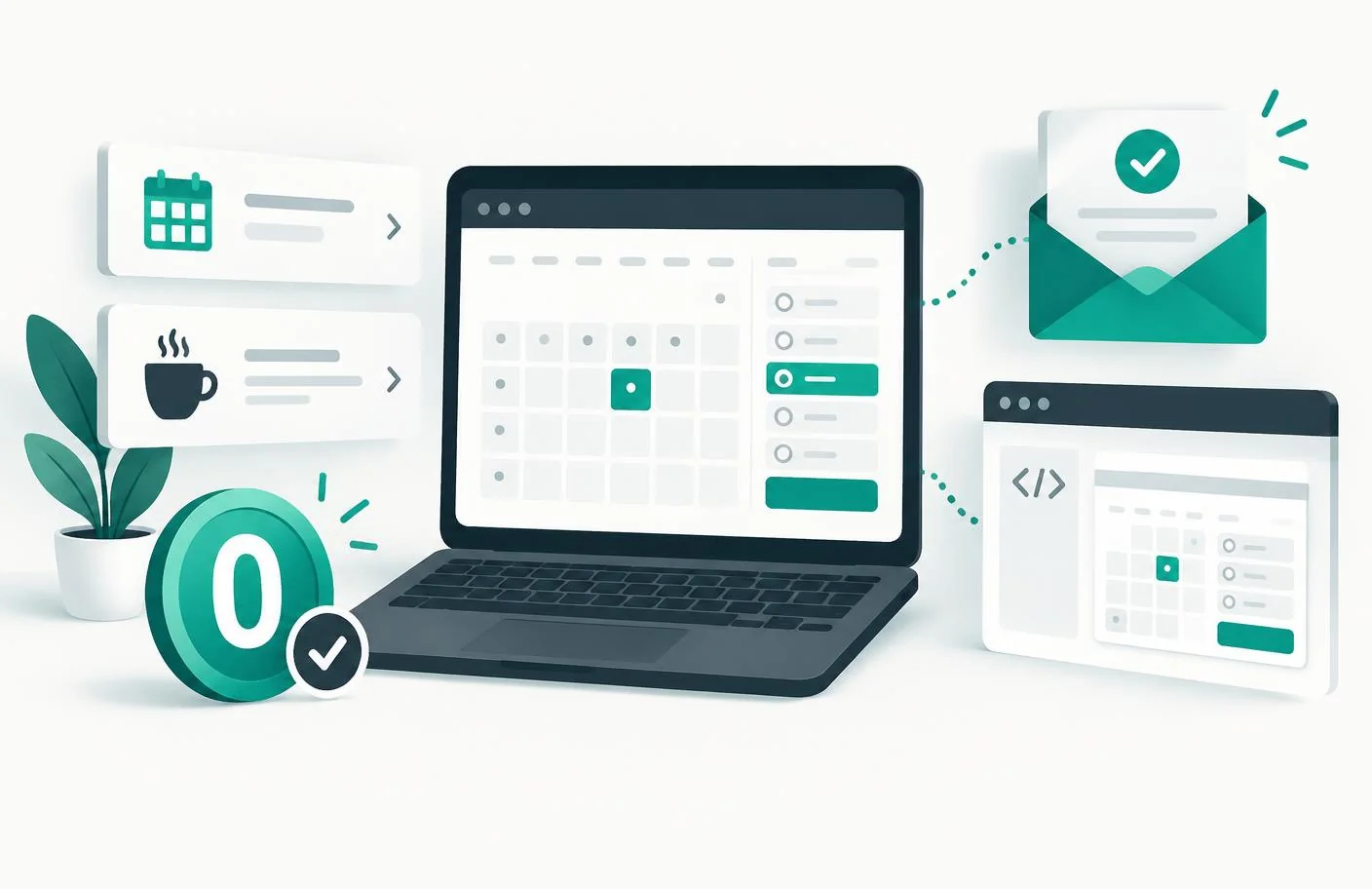
What to check in free appointment scheduling software
| Limit | Why it hurts | How to spot it |
|---|---|---|
| Appointment type limit | You may not be able to offer both a short call and a longer session | “Event types” or “services” in the plan table |
| Monthly booking cap | Your link stops working mid-month | "Up to N bookings/mo" |
| No calendar connection | Busy events are not removed automatically | Calendar sync listed under a paid plan |
| Limited notifications | You may get confirmations but not reminders or custom templates | Read each email feature separately |
| Vendor branding | The booking page or widget displays the provider's name | “Remove branding” listed under a paid plan |
How to pick one in five minutes
- Write down the meeting types you actually offer. If it is more than one, rule out single-event-type free plans immediately.
- List every calendar that holds a real conflict. Then check whether the free plan connects to them or requires manual availability.
- Check confirmation emails, reminders, rescheduling, and cancellation separately. “Email notifications” may not include all four.
- Book yourself a test meeting from an incognito window and watch what the guest sees.
- Cancel it and confirm the slot reopens and both sides receive the right message.
What the IntoCal free plan includes
- One booking calendar.
- Two appointment types, such as a 30-minute call and a 60-minute consultation.
- A public booking page with your own shareable IntoCal link.
- Basic confirmation emails for the host and guest.
- Website embed via a one-line script tag.
- Timezone detection for guests.
The Free plan displays IntoCal branding and includes Outlook and Google Calendar two-way sync, like every plan. Paid tiers add more calendars and appointment types, branding controls, custom sender email, analytics and team features. See the current pricing table before choosing a plan.
If you are building your first booking flow, follow the complete online appointment scheduling setup guide before testing a provider.
How to schedule appointments online for free
- Create an IntoCal account without entering a payment card.
- Set the weekly hours when guests may book you.
- Create your first appointment type with a duration, location, and buffer.
- Open the public page in a private window and make a complete test booking.
- Share the link or use the booking calendar embed guide to add it to your website.
Free scheduler vs free trial
Putting the scheduler on your own site? The free booking calendar widget guide covers the HTML snippet, mobile checks, and the difference between showing events and accepting appointments.
A trial expires or moves you to a smaller plan after a fixed period. A free tier has no end date, although it can still limit calendars, appointment types, notifications, branding, or monthly bookings. Check both the expiry date and the permanent limits before placing the link in your website, email signature, or printed materials.
Frequently asked questions
What is the best free online appointment scheduling software?
The best choice is the one whose permanent free limits fit your workflow. Check appointment types, booking caps, calendar sync, emails, branding, embeds, and cancellation before sharing a link.
Is IntoCal Free permanent or a trial?
It is a permanent free plan with no time limit and no credit card required. It includes one calendar, two appointment types, a public booking page, basic email notifications, and a website embed.
Does IntoCal Free include calendar sync?
Yes. Outlook and Google Calendar two-way sync is included on every plan, including Free, so busy events automatically block booking times.
Does the free booking page include IntoCal branding?
Yes. Free booking pages and widgets show IntoCal branding. Branding removal is available on Pro, Organization, and Business plans.
How many appointment types can I create for free?
You can create two appointment types on IntoCal Free, which can cover workflows such as a short introduction and a longer consultation.
Can I put a free booking calendar on my website?
Yes. IntoCal Free includes an embeddable booking widget. You can also share the public booking link directly.
Related guides
Add-to-calendar widget for your website: a practical .ics guide
Build an add-to-calendar widget for your website using an .ics file. Handle timezones, test imports, and understand why saving an event is not a booking.
Editable calendar widget for websites: events or appointments?
Choose an editable calendar widget for your website: update public events or booking availability, manage permissions, and avoid maintaining duplicate schedules.
Make scheduling simpler.
Outlook-first booking with a free-forever plan.
Try IntoCal freeRead next
How to create a booking page in Outlook (and what it can't do)